Free Code 128 barcode generator

Encode any text or numbers and download a print-ready Code 128 barcode as PNG, JPG or SVG. Ideal for SKUs, internal labels and logistics.

✓ Full ASCII support ✓ Automatic check character ✓ No sign-up
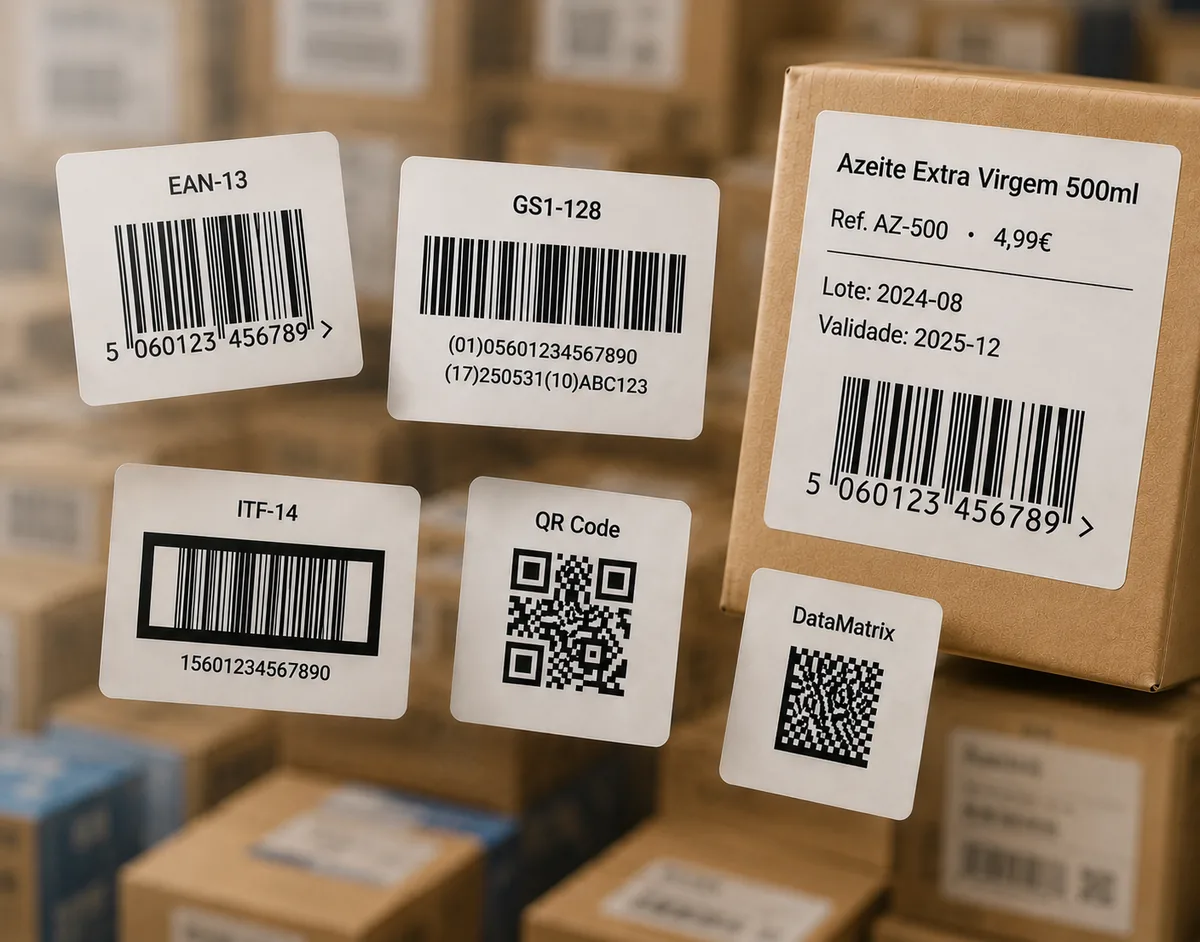
Examples of Code 128 barcode labels

Code 128

Enter any text or numbers (full ASCII). The check character is added automatically.

Need another format? Use the full barcode generator for EAN-13, UPC-A, QR Code, ITF-14 and more.

How to generate a Code 128 barcode

  1. Type or paste your text or number into the field above — letters, digits and symbols are all allowed.
  2. Click Generate Code 128 barcode. The check character is added inside the symbol automatically.
  3. Adjust the width, height and whether the text prints below the bars.
  4. Download as SVG for professional or thermal label printing, or PNG / JPG for digital use.

What is Code 128?

Code 128 is a high-density linear barcode that encodes the full ASCII set — uppercase and lowercase letters, digits and symbols. It is compact and reliably scanned, which makes it one of the most common choices for internal SKUs, warehouse labels, asset tags and shipping.

It handles the check character for you

Unlike EAN or UPC, you do not enter a check digit for Code 128: the symbol carries an automatic modulo-103 check character that scanners use to validate every read. You simply type your value and the generator does the rest.

Code 128 vs GS1-128

If you need to encode structured supply-chain data — batch numbers, expiry dates, an SSCC — you likely want GS1-128, which layers GS1 Application Identifiers on top of Code 128. Plain Code 128 (this page) encodes free text with no required structure. GS1-128 is available on the Pro plan in the full generator.

Keep it short and give it room

Code 128 gets wider as you add characters, so keep values as short as practical. Give the barcode enough width, a tall-enough bar height and clear quiet-zone margins on both sides so it scans first time.

Frequently asked questions

What can Code 128 encode?

The full ASCII character set — uppercase and lowercase letters, digits and symbols. It is compact and widely supported, which makes it a common choice for SKUs, internal labels and logistics.

Does Code 128 have a check digit?

Yes, but you never type it. Code 128 includes an automatic modulo-103 check character built into the symbol; the generator handles it for you.

What is the difference between Code 128 and GS1-128?

GS1-128 is Code 128 with a defined structure: it uses GS1 Application Identifiers (AIs) to encode data like batch, expiry or SSCC. Plain Code 128 encodes free text with no required structure. GS1-128 is available on the Pro plan.

Which file format should I download for printing?

Choose SVG for professional and thermal label printing — it scales without quality loss. PNG or JPG work well for digital use and home printing.

Is this Code 128 generator really free?

Yes. Code 128 is one of the core free formats — no sign-up — downloadable as PNG, JPG or SVG. Paid plans add extra barcode types, the label editor and bulk printing.

How wide will my barcode be?

Code 128 width grows with the number of characters you encode. Keep values as short as practical, and give the barcode enough width and quiet-zone margin to scan reliably.