Free Code 39 barcode generator

Encode uppercase letters and numbers and download a print-ready Code 39 barcode as PNG, JPG or SVG. Great for asset tags, badges and inventory.

✓ Letters, digits & symbols ✓ No check digit required ✓ No sign-up
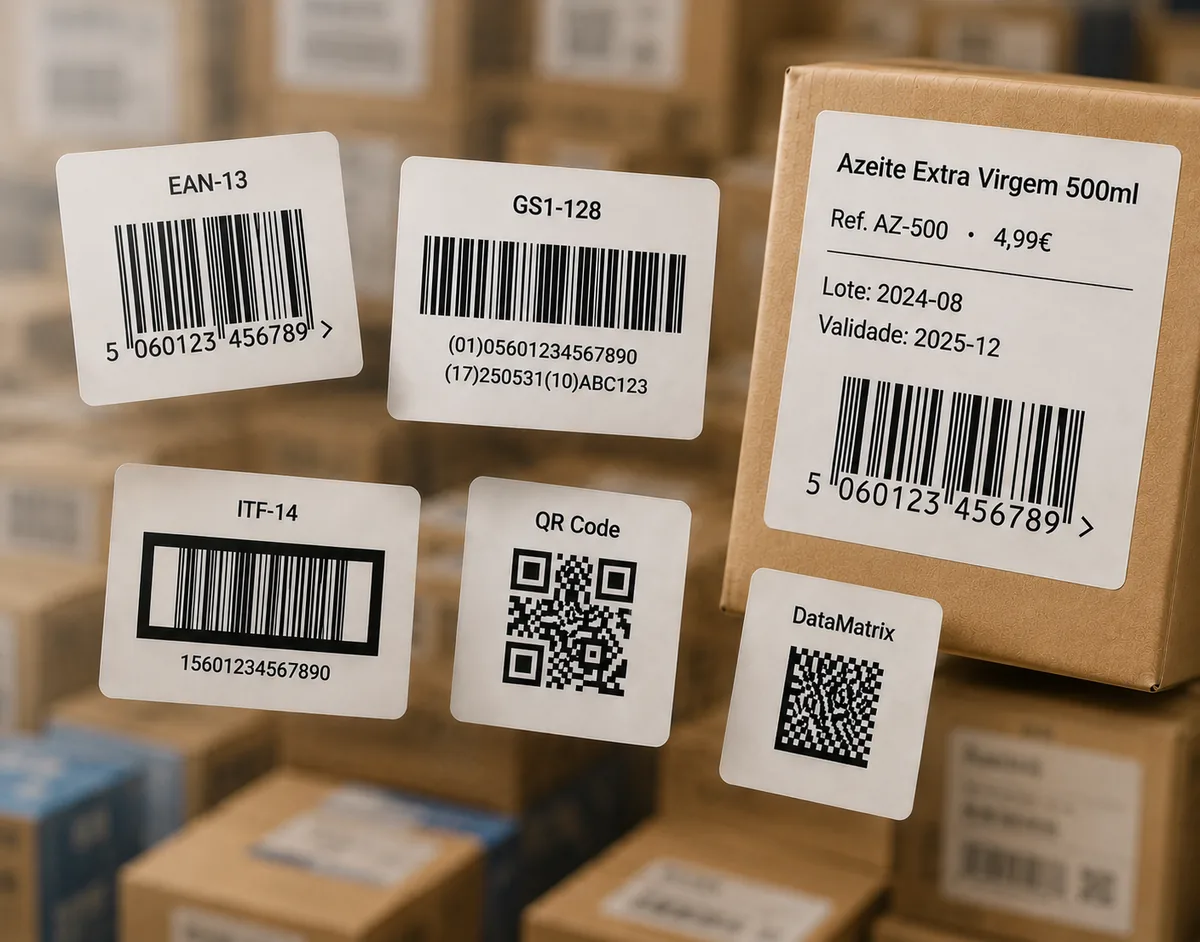
Examples of Code 39 barcode labels

Code 39

Uppercase letters, numbers and the symbols - . space $ / + %. Lowercase is converted to uppercase.

Need lowercase or a denser code? Try the Code 128 generator, or the full generator for other formats.

How to generate a Code 39 barcode

  1. Type your value — uppercase letters, digits and the allowed symbols (lowercase is converted automatically).
  2. Click Generate Code 39 barcode.
  3. Adjust the width, height and whether the text prints below the bars.
  4. Download as SVG for professional or thermal label printing, or PNG / JPG for digital use.

What is Code 39?

Code 39 (also called Code 3 of 9) is one of the oldest and most widely supported linear barcodes. It encodes uppercase letters A–Z, digits 0–9 and a small set of symbols. Every scanner and printer supports it, which is why it remains a default for asset tags, name badges, inventory and industrial labelling.

No check digit needed

Unlike EAN or UPC, Code 39 does not require a check digit — the symbology is self-checking by design, so you simply type your value and print. An optional modulo-43 check character exists for extra integrity, but most workflows do not use it.

Code 39 vs Code 128

If you need lowercase letters or a more compact barcode for the same data, Code 128 is the better choice — it supports the full ASCII set and packs more into less width. Choose Code 39 when maximum compatibility and simplicity matter more than density.

Frequently asked questions

What can Code 39 encode?

Uppercase letters A–Z, digits 0–9, and a few symbols: space, minus, plus, period, dollar, slash and percent. It does not support lowercase letters.

Does Code 39 need a check digit?

No. Code 39 works without a check digit, which is one reason it is simple and widely supported. An optional modulo-43 check character exists for extra data integrity but is not required.

What is the difference between Code 39 and Code 128?

Code 128 is more compact and supports the full ASCII set including lowercase; Code 39 is older, less dense, uppercase-only, but extremely widely supported and easy to print. Choose Code 128 for density, Code 39 for maximum compatibility.

Which file format should I download for printing?

Choose SVG for professional and thermal label printing — it scales without quality loss. PNG or JPG work well for digital use and home printing.

Is this Code 39 generator really free?

Yes. Code 39 is one of the core free formats — no sign-up — downloadable as PNG, JPG or SVG. Paid plans add extra barcode types, the label editor and bulk printing.

Where is Code 39 used?

Asset tags, name badges, inventory, automotive and defence labelling, and any workflow where a simple, robust, self-checking barcode is enough.