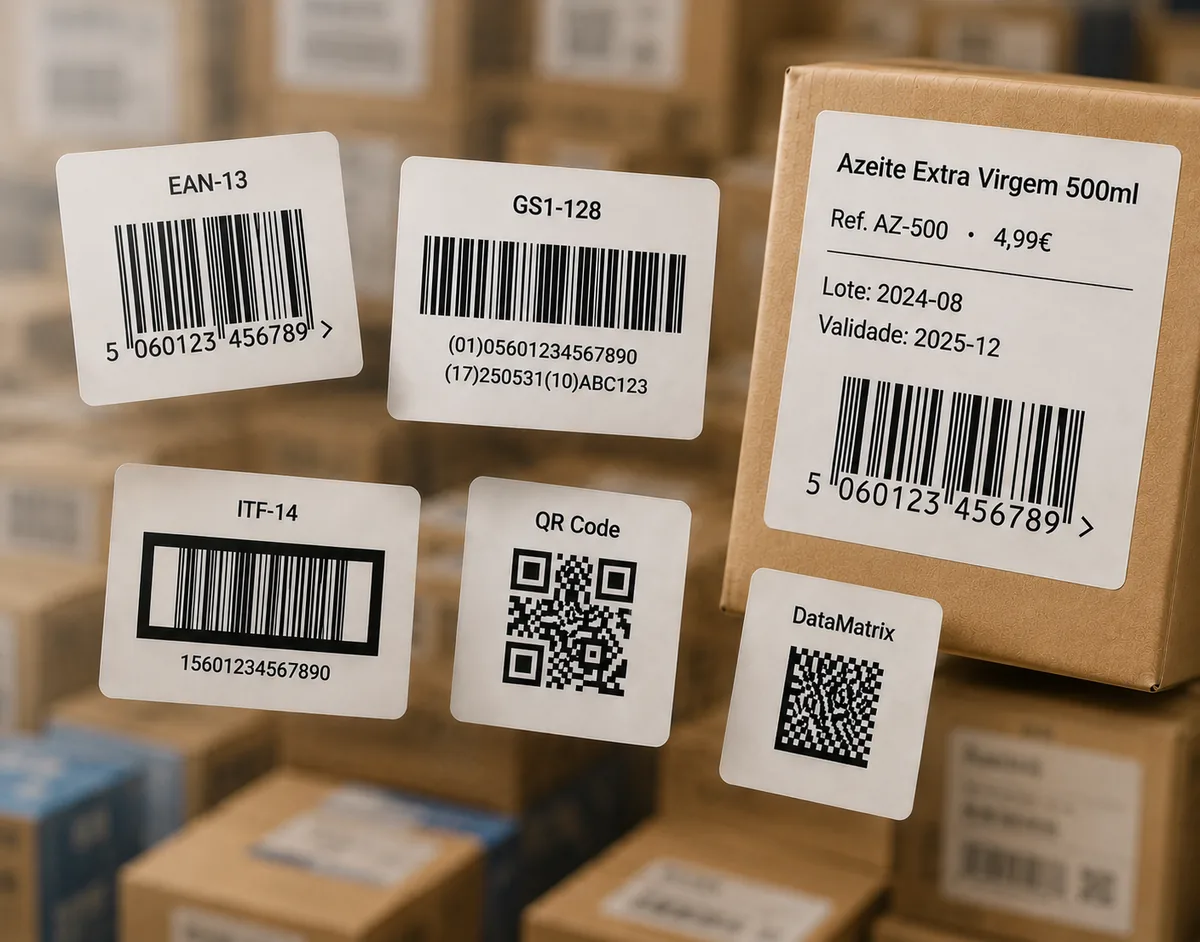
Enter 12 digits — we calculate the check digit and draw a print-ready EAN-13 barcode you can download as PNG, JPG or SVG.
✓ Check digit calculated for you✓ Compatible with GS1 specifications✓ No sign-up
EAN-13
Enter 12 digits — the 13th check digit is calculated automatically.
Full 13-digit number
Need another format? Use the full barcode generator for UPC-A, QR Code, Code 128, ITF-14 and more.
How to generate an EAN-13 barcode
Type your 12-digit number into the field above (the leading GS1 prefix, your company number and the item reference).
Click Generate EAN-13 barcode. The 13th check digit is calculated and added for you.
Adjust the width, height and whether the number prints below the bars.
Download as SVG for professional label printing, or PNG / JPG for digital use.
Where the number comes from. EAN Studio draws the barcode image from a number you provide. It does not issue the number itself: to sell in retail, the GTIN behind an EAN-13 is assigned by GS1 when you register. If you already have your GS1 number, or you only need a code for testing or internal use, you are in the right place.
What is an EAN-13 barcode?
EAN-13 (European Article Number, 13 digits) is the retail barcode standard used across Europe and most of the world — the equivalent of UPC-A in North America. It encodes a 13-digit GTIN: a GS1 prefix, a company prefix, an item reference, and a final check digit.
The check digit
The last digit is not chosen — it is computed from the other twelve using an alternating weight of 1 and 3. Scanners recalculate it on every read, so a single mistyped digit is rejected instead of scanning as the wrong product. Our generator handles this automatically: you enter 12 digits and get a valid 13-digit code. Want to see the maths, or verify a full number? Try the barcode verifier.
Printing so it actually scans
Three things decide whether an EAN-13 reads reliably at a checkout: size, contrast and quiet zones. Keep the barcode within the GS1 range of 80%–200% of nominal (37.29 × 25.93 mm at 100%), print dark bars on a light background, and leave clear margins on the left and right. Export as SVG whenever your printer or label software supports it, so the bars stay crisp at any size.
EAN-13 vs UPC and other formats
If you sell mainly in the United States or Canada, you may need UPC-A (12 digits) instead. Very small packages sometimes use EAN-8. For cartons and pallets, logistics teams use ITF-14 or GS1-128. You can create all of these from the full generator, and print them onto labels in bulk from an Excel or CSV catalog with the label editor.
Can I just make up an EAN-13 number for my product?
No — for retail sale, EAN-13 numbers are assigned by GS1 through registration in your country. EAN Studio draws the barcode image from a number you already have; it does not sell you the number. For testing or internal use, you can generate any valid number.
How does the EAN-13 check digit work?
The 13th digit is calculated from the first twelve using a weighted sum (alternating ×1 and ×3), so scanners can catch typing errors. Our generator calculates it for you automatically — you only enter 12 digits.
Which file format should I download for printing?
Choose SVG for professional printing and label production — it is vector-based and scales without quality loss. PNG or JPG work well for digital use and home printing.
What is the minimum size of an EAN-13 barcode?
The GS1 specification allows 80% to 200% of the nominal size, which is 37.29 × 25.93 mm at 100%. Barcodes printed smaller than that often fail to scan.
Is this EAN-13 generator really free?
Yes. EAN-13 is one of the core free formats — no sign-up — downloadable as PNG, JPG or SVG. Paid plans add extra barcode types, the label editor and bulk printing.
Will the barcode scan correctly at a checkout?
Yes, as long as the number is valid and the barcode is printed with the right size, contrast and quiet-zone margins. You can confirm with our free barcode verifier before printing.