Free ITF-14 barcode generator

For cartons and cases. Enter 13 digits — we calculate the check digit and draw a print-ready ITF-14 you can download as PNG, JPG or SVG.

✓ Check digit calculated for you ✓ GTIN-14 for shipping units ✓ No sign-up
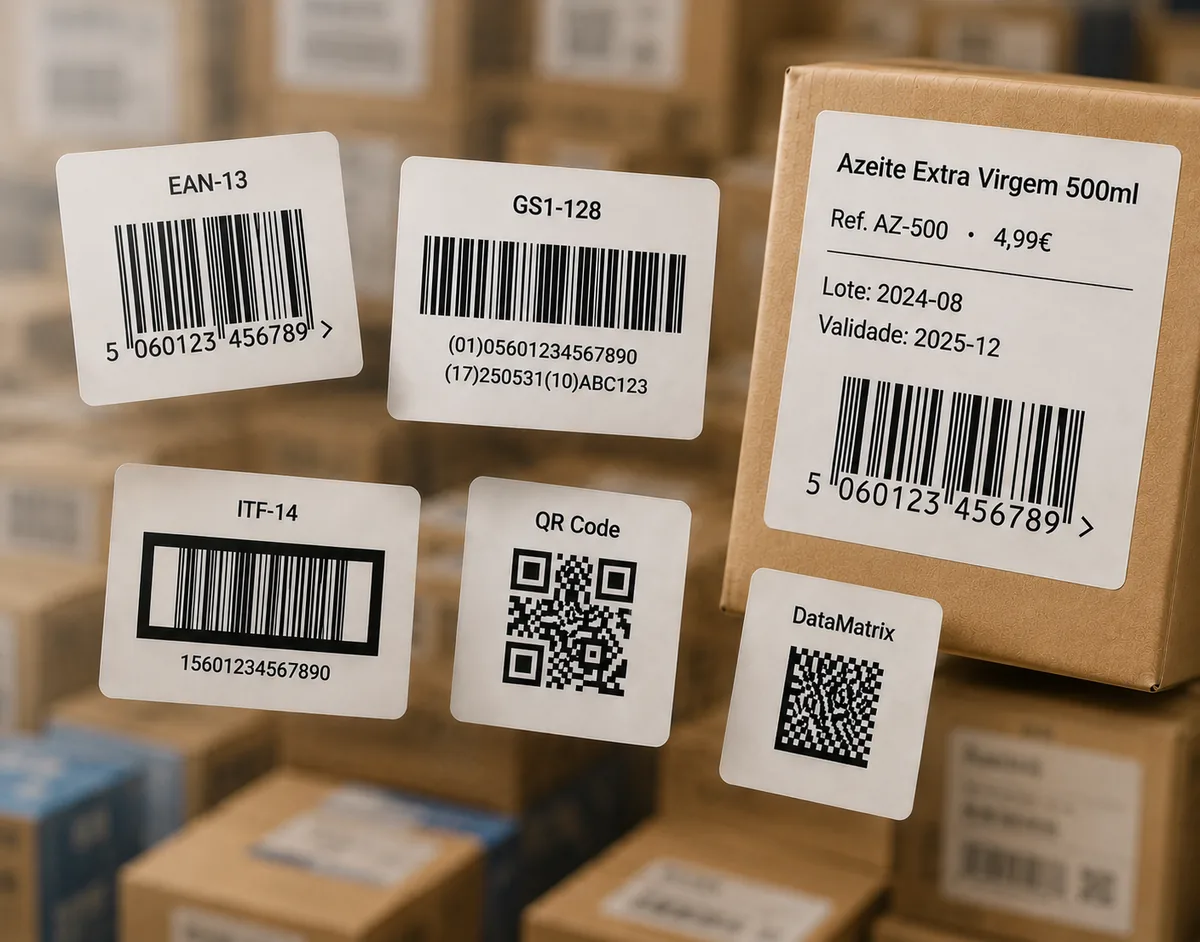
Examples of ITF-14 barcode labels on cartons

ITF-14

Enter 13 digits — the 14th check digit is calculated automatically.

Need another format? Use the full barcode generator for EAN-13, UPC-A, QR Code, Code 128 and more.

How to generate an ITF-14 barcode

  1. Type the 13-digit GTIN-14 (packaging indicator + your item's GTIN-13, without its check digit) into the field above.
  2. Click Generate ITF-14 barcode. The 14th check digit is calculated and added for you.
  3. Adjust the size — ITF-14 is printed larger than retail codes because it goes on cartons.
  4. Download as SVG for professional printing, or PNG / JPG for digital use.
Where the number comes from. A GTIN-14 is built from your GS1-assigned GTIN plus a packaging-level indicator digit. EAN Studio draws the barcode image from the number you provide — it does not issue GTINs. For testing or internal use, any valid number works.

What is an ITF-14 barcode?

ITF-14 (Interleaved 2 of 5, 14 digits) is the GS1 barcode for shipping units — the carton or case that holds multiple retail items. It encodes a GTIN-14: a packaging indicator digit (1–8 for fixed groupings, 9 for variable measure), the item's GTIN-13, and a check digit. It is printed directly on corrugated board or on a case label, not on the individual product.

The check digit

The 14th digit uses the same GS1 mod-10 algorithm as EAN and UPC (weights 3 and 1 from the right). Our generator computes it automatically — enter 13 digits and get a valid 14-digit code. To confirm a complete number, use the barcode verifier.

Bearer bars and print size

Because ITF-14 is printed on rough cardboard, GS1 recommends a bearer bar (a frame around the symbol) and a larger print size than retail barcodes to keep scans reliable. Check the exact bearer-bar and magnification requirements with your printer or carrier before running a large batch.

Frequently asked questions

What is ITF-14 used for?

ITF-14 encodes the GTIN-14 of a shipping unit — a carton or case containing multiple retail items. It is printed on corrugated cardboard and outer packaging, not on the individual product.

How does the ITF-14 check digit work?

The 14th digit is calculated from the first thirteen using the standard GS1 mod-10 formula (weights 3 and 1 from the right). Our generator adds it automatically — you only enter 13 digits.

What is the indicator digit in a GTIN-14?

The first digit of a GTIN-14 indicates the packaging level (1–8 for fixed-measure groupings, 9 for variable measure). It is followed by the GTIN-13 of the contained item, then the check digit.

Does ITF-14 need a bearer bar?

Yes — GS1 recommends a bearer bar (a frame around the barcode) to improve scan reliability on rough cardboard and prevent partial scans. Confirm the exact requirements with your printer.

Is this ITF-14 generator really free?

Yes. ITF-14 is one of the core free formats — no sign-up — downloadable as PNG, JPG or SVG. Paid plans add extra barcode types, the label editor and bulk printing.

Can I make up an ITF-14 number?

For real logistics use, the GTIN-14 is built from your GS1-assigned GTIN plus a packaging indicator. EAN Studio draws the barcode image from a number you provide; it does not issue the number. For testing you can use any valid number.