Free QR code generator
Turn any link or text into a QR code and download a high-resolution PNG, JPG or SVG. Static, private and free — no expiry, no tracking.
✓ Links, text, Wi-Fi, contacts
✓ High-resolution SVG
✓ No sign-up
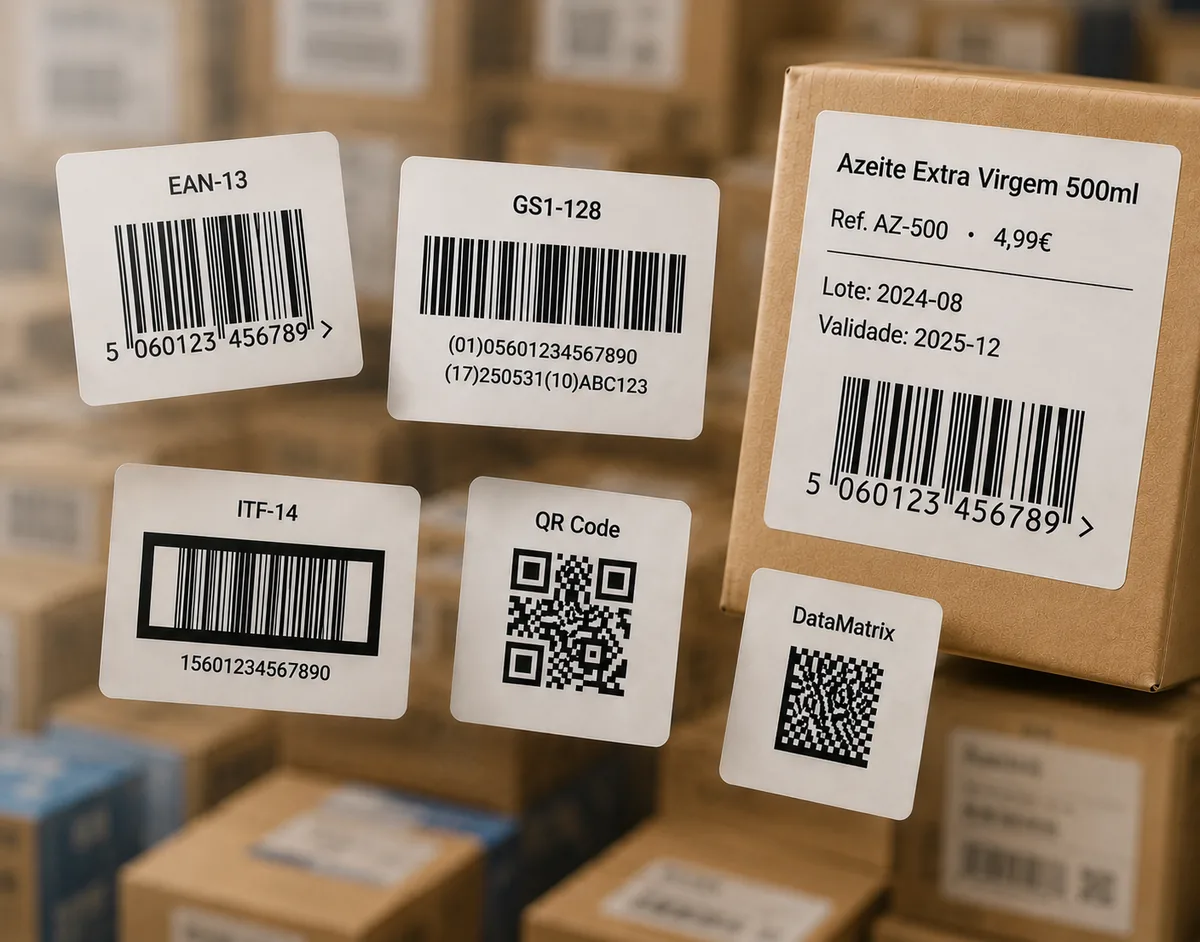
Turn any link or text into a QR code and download a high-resolution PNG, JPG or SVG. Static, private and free — no expiry, no tracking.
Paste a link or type any text — the QR code encodes it exactly.
Need a product barcode instead? Use the full generator for EAN-13, UPC-A, Code 128, ITF-14 and more.
A QR code (Quick Response code) is a two-dimensional barcode that stores text or data in a square grid a phone camera can read instantly. It can hold a web link, plain text, an email address, a phone number, Wi-Fi credentials or contact details.
QR codes include redundancy so they still scan when part of the code is dirty or damaged. Level L keeps the code smallest; M is a solid default; Q and H add more resilience — useful when the code is printed small or on packaging that may get scuffed. Higher levels make the code slightly denser.
Keep the encoded data short, print with strong dark-on-light contrast, and leave a clear quiet-zone margin around the code. Choose SVG for anything printed large, and always test-scan with a couple of phones before a big run.
Any text or data: a website link, plain text, an email address, a phone number, Wi-Fi details or contact information. Paste the exact text or URL you want the code to open.
No. These are static QR codes generated in your browser — they encode your text directly, never expire, and are not tracked. They also work offline once downloaded.
Higher levels let the code still scan if part of it is dirty or damaged, at the cost of density. Level M is a good default; use Q or H if the code will be printed small or placed on packaging that may get scuffed.
Use SVG for print and large signage — it scales without quality loss. PNG works well for screens, documents and social media.
Yes. QR Code is one of the core free formats — no sign-up — downloadable as PNG, JPG or SVG.
Keep the data short, use a higher error-correction level, print with strong contrast, and leave a clear quiet-zone margin around the code. Always test-scan before a large print run.