Free UPC-A barcode generator

Enter 11 digits — we calculate the check digit and draw a print-ready UPC-A barcode you can download as PNG, JPG or SVG.

✓ Check digit calculated for you ✓ Compatible with GS1 specifications ✓ No sign-up
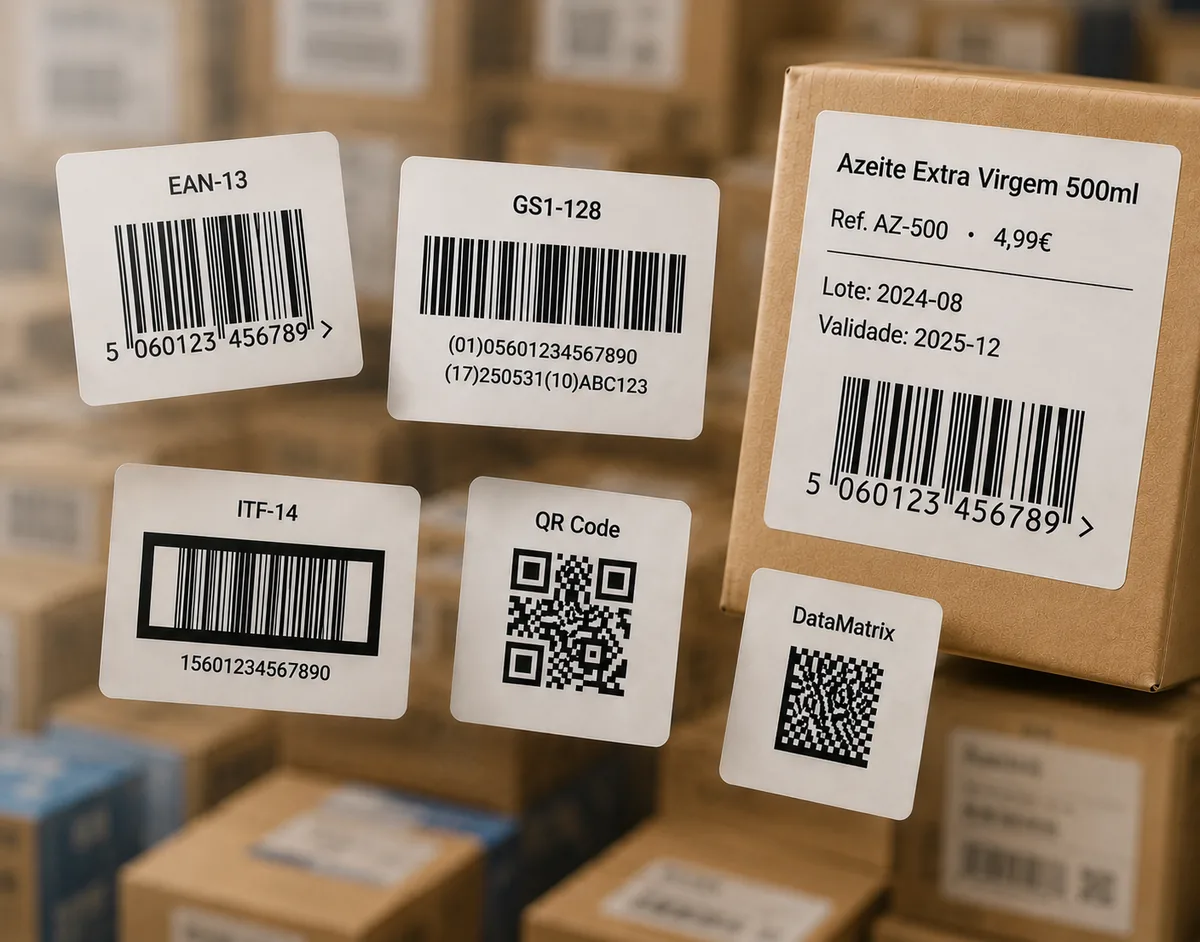
Examples of UPC-A barcode labels

UPC-A

Enter 11 digits — the 12th check digit is calculated automatically.

Need another format? Use the full barcode generator for EAN-13, QR Code, Code 128, ITF-14 and more.

How to generate a UPC-A barcode

  1. Type your 11-digit number into the field above (the number system digit, your manufacturer code and the product code).
  2. Click Generate UPC-A barcode. The 12th check digit is calculated and added for you.
  3. Adjust the size and whether the number prints below the bars.
  4. Download as SVG for professional label printing, or PNG / JPG for digital use.
Where the number comes from. EAN Studio draws the barcode image from a number you provide. It does not issue the number itself: to sell in retail, the UPC (a GTIN-12) is assigned by GS1 when you register. If you already have your GS1 number, or you only need a code for testing or internal use, you are in the right place.

What is a UPC-A barcode?

UPC-A (Universal Product Code) is the 12-digit retail barcode used mainly in the United States and Canada. It encodes a GTIN-12: a number-system digit, a manufacturer identifier, an item reference, and a final check digit.

UPC-A vs EAN-13

A UPC-A is effectively an EAN-13 with a leading zero, so almost every modern scanner reads both. If you sell in Europe or most of the world, you likely want EAN-13 instead; if you sell primarily in North America, UPC-A is the expected format.

The check digit

The last digit is computed from the first eleven (odd positions ×3, even positions ×1) so scanners can catch a mistyped digit. Our generator handles it automatically — you enter 11 digits and get a valid 12-digit code. To verify a complete number, use the barcode verifier.

Printing so it actually scans

Keep the barcode within the GS1 size range, print dark bars on a light background, and leave clear quiet-zone margins on the left and right. Export as SVG whenever your label software supports it so the bars stay crisp at any size.
Frequently asked questions

Can I just make up a UPC-A number for my product?

No — for retail sale, the UPC (a GTIN-12) is assigned by GS1 when you register. EAN Studio draws the barcode image from a number you already have; it does not issue the number. For testing or internal use, you can generate any valid number.

How does the UPC-A check digit work?

The 12th digit is calculated from the first eleven using a weighted sum (odd positions ×3, even positions ×1). Our generator adds it automatically — you only enter 11 digits.

What is the difference between UPC-A and EAN-13?

UPC-A is a 12-digit code used mainly in the United States and Canada. EAN-13 is the 13-digit standard used in Europe and most of the world. A UPC-A is effectively an EAN-13 with a leading zero, so modern scanners read both.

Which file format should I download for printing?

Choose SVG for professional printing and label production — it scales without quality loss. PNG or JPG work well for digital use and home printing.

Is this UPC generator really free?

Yes. UPC-A is one of the core free formats — no sign-up — downloadable as PNG, JPG or SVG. Paid plans add extra barcode types, the label editor and bulk printing.

Will the barcode scan at a US checkout?

Yes, as long as the number is valid and the barcode is printed at the right size, contrast and quiet-zone margins. You can confirm with our free barcode verifier before printing.