Free EAN-8 barcode generator

For small packages. Enter 7 digits — we calculate the check digit and draw a print-ready EAN-8 you can download as PNG, JPG or SVG.

✓ Check digit calculated for you ✓ Compatible with GS1 specifications ✓ No sign-up
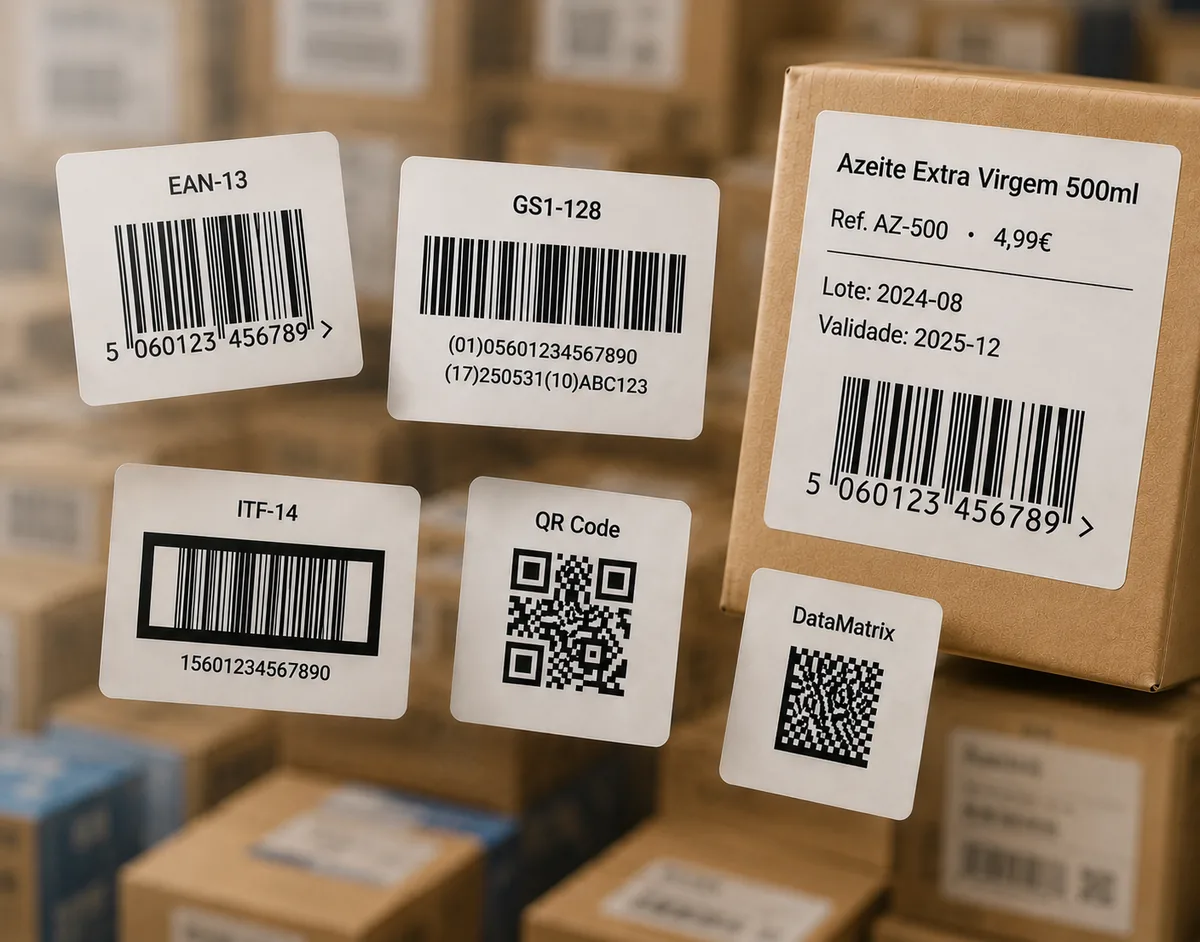
Examples of EAN-8 barcode labels on small packages

EAN-8

Enter 7 digits — the 8th check digit is calculated automatically.

Package big enough for a full code? Use the EAN-13 generator, or the full generator for other formats.

How to generate an EAN-8 barcode

  1. Type your 7-digit number into the field above.
  2. Click Generate EAN-8 barcode. The 8th check digit is calculated and added for you.
  3. Adjust the size — EAN-8 is deliberately compact for small packaging.
  4. Download as SVG for professional label printing, or PNG / JPG for digital use.
Where the number comes from. EAN Studio draws the barcode image from a number you provide. It does not issue the number: for retail sale, EAN-8 numbers are assigned by GS1. If you already have your GS1 number, or you only need a code for testing or internal use, you are in the right place.

What is an EAN-8 barcode?

EAN-8 is the short, 8-digit version of the EAN retail barcode, reserved for products too small to carry a full EAN-13. It encodes a GS1 prefix, an item reference and a check digit — enough to identify a product at a checkout while taking up far less space.

When to use EAN-8

Use EAN-8 only when EAN-13 genuinely will not fit — cosmetics, confectionery, small tins and similar. GS1 issues EAN-8 numbers sparingly precisely because the shorter format has limited capacity, so reach for EAN-13 whenever the packaging allows it.

The check digit

The 8th digit uses the same GS1 mod-10 algorithm as EAN-13 and UPC. Our generator computes it automatically — enter 7 digits and get a valid 8-digit code. To confirm a complete number, use the barcode verifier.

Frequently asked questions

When should I use EAN-8 instead of EAN-13?

EAN-8 is reserved for very small products where a full EAN-13 will not fit, such as cosmetics, confectionery or small tins. GS1 issues EAN-8 numbers sparingly; use EAN-13 wherever it fits.

How does the EAN-8 check digit work?

The 8th digit is calculated from the first seven using the standard GS1 mod-10 formula (weights 3 and 1 from the right). Our generator adds it automatically — you only enter 7 digits.

Can I just make up an EAN-8 number?

No — for retail sale, EAN-8 numbers are assigned by GS1. EAN Studio draws the barcode image from a number you already have; it does not issue the number. For testing or internal use, you can generate any valid number.

Which file format should I download for printing?

Choose SVG for professional printing and label production — it scales without quality loss. PNG or JPG work well for digital use and home printing.

Is this EAN-8 generator really free?

Yes. EAN-8 is one of the core free formats — no sign-up — downloadable as PNG, JPG or SVG. Paid plans add extra barcode types, the label editor and bulk printing.

Will EAN-8 scan at a checkout?

Yes, as long as the number is valid and the barcode is printed at the right size, contrast and quiet-zone margins. You can confirm with our free barcode verifier before printing.